Record what you see.
Add photos and an observation. Group findings by room, trade and priority, with local assignee labels and due dates.
Siteframe Coming soon for iPhone & iPad
Capture photo evidence, organize findings and prepare clear reports. Your inspection workspace stays on your device.
هذه الصفحة متاحة حالياً باللغة الإنجليزية فقط.
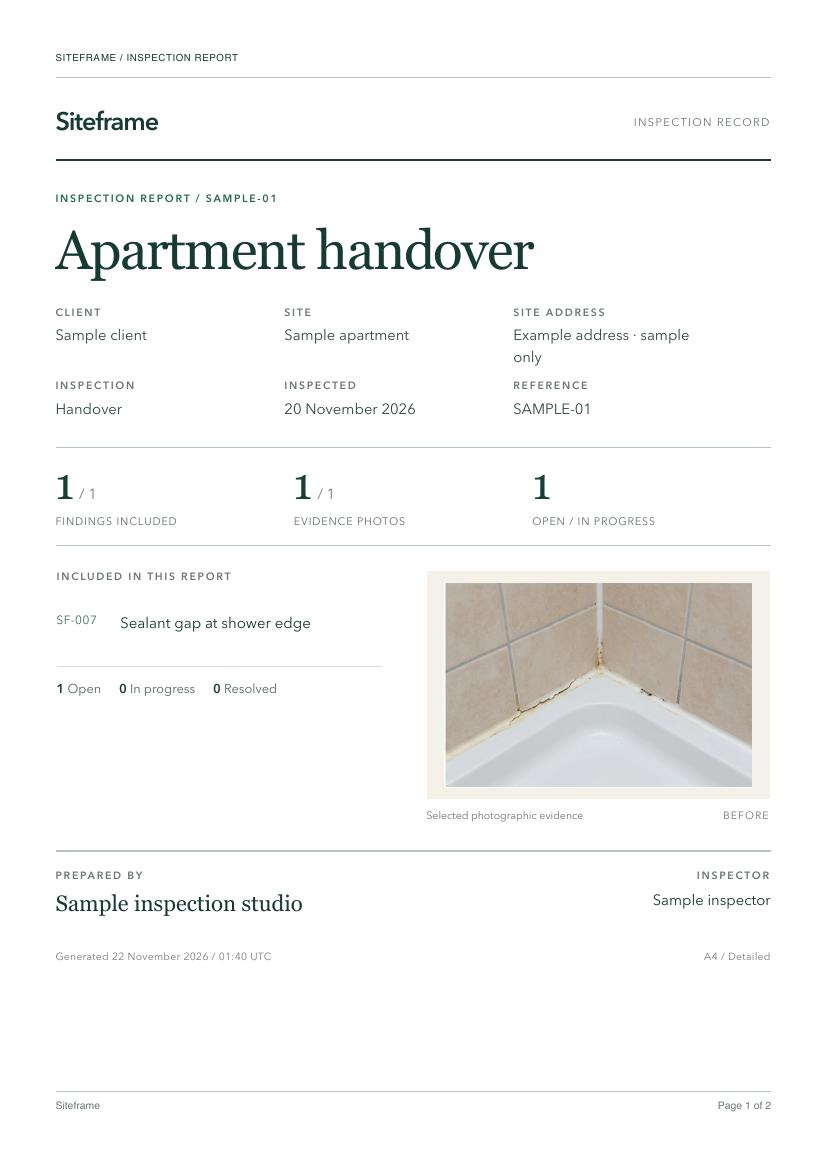
A focused workflow for handovers, property checks and site observations. You supply the evidence and professional judgment.
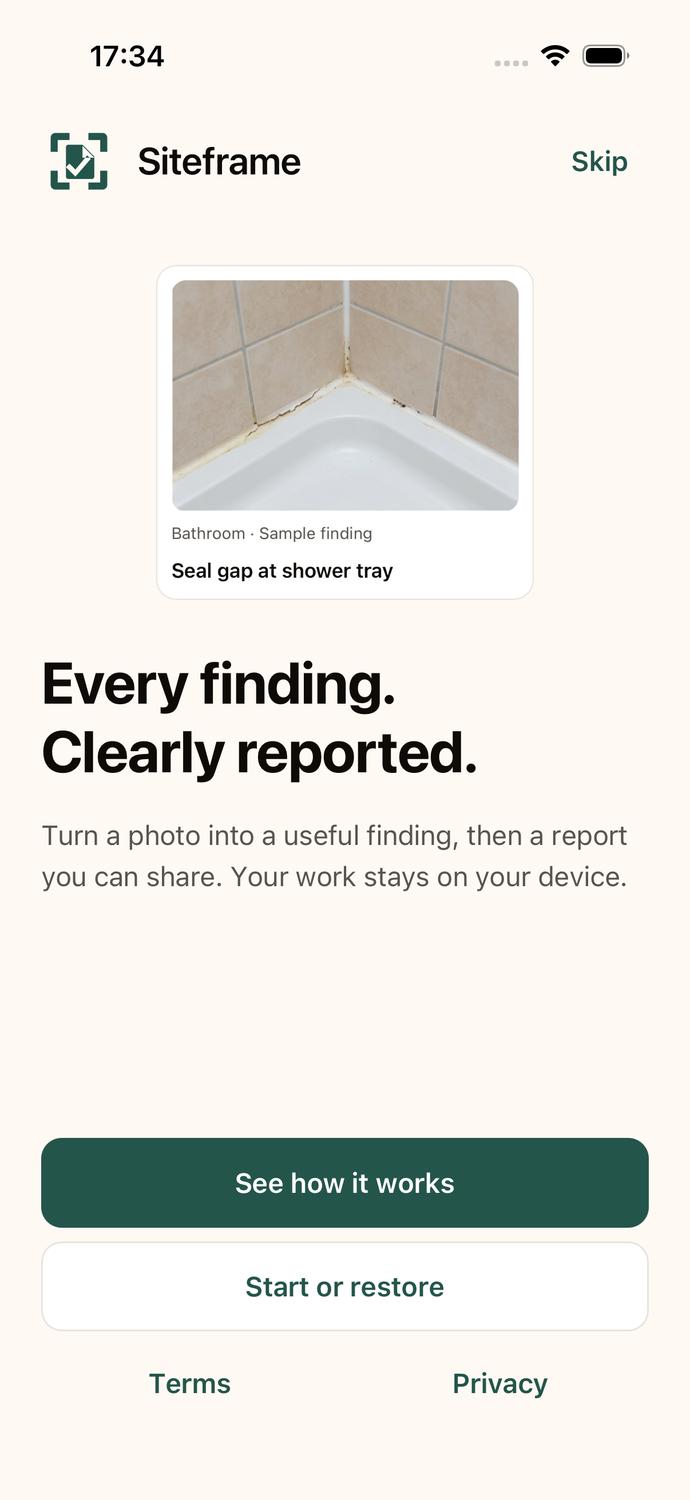
Native development preview. Sample content.
Add photos and an observation. Group findings by room, trade and priority, with local assignee labels and due dates.
Use arrows, circles, rectangles, pen strokes and text callouts. Editable markup stays separate from the app-imported photo copy.
Track open, in-progress and resolved findings. Add before and after evidence and verify completed work with a note.
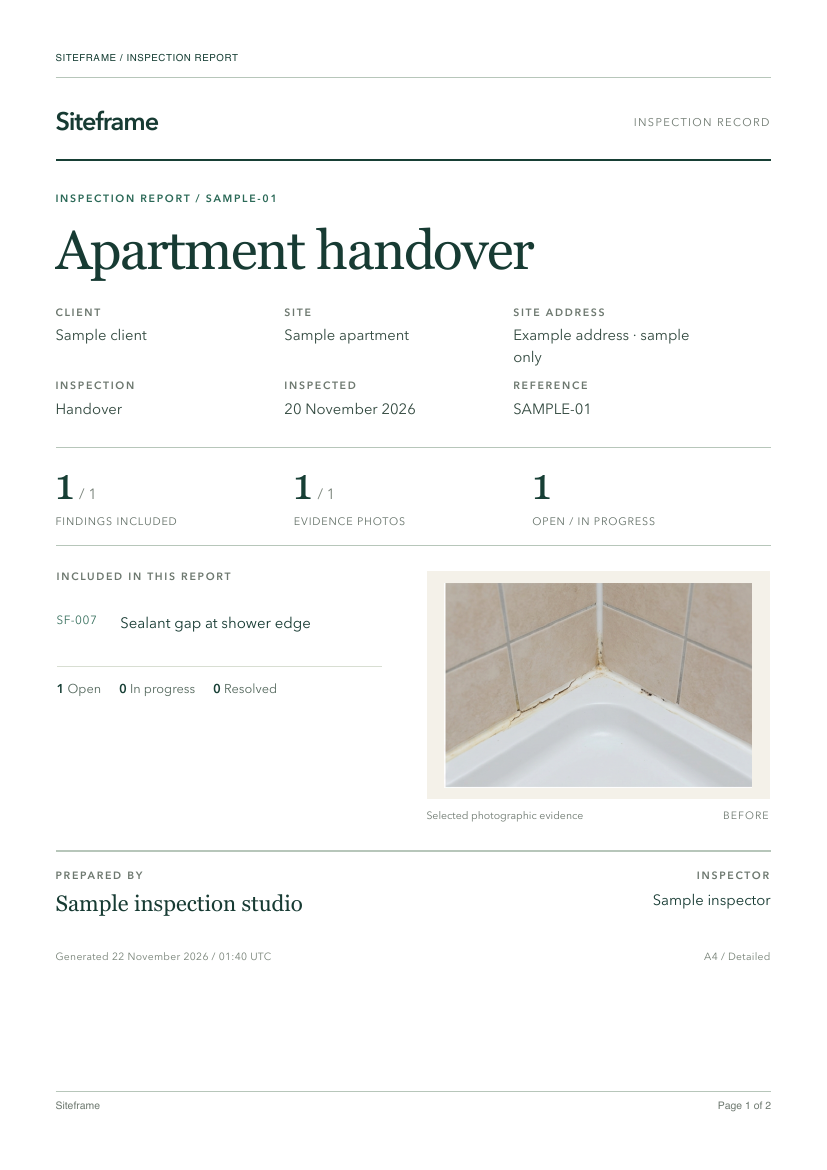
Choose findings, photo quality, paper size, branding and metadata. Review the actual PDF or CSV before choosing where to save or share it.
Free to start. One purchase when you need additional new inspections. No subscription.
3 new inspections
Counted on first successful save. Unsaved drafts and samples do not use the allowance.
These features stay available after the creation allowance is used.
One-time unlock
A single non-consumable App Store purchase permits additional new inspections.
Coming soon. A launch price has not been announced. No purchase is available on this website.
Deleting or archiving inspections does not refill the allowance. Backups do not transfer Pro or replenish an installation’s creation allowance.
No Siteframe account or automatic cloud sync. You choose what leaves through reports, editable backups and support drafts.
Save a full editable backup somewhere you can recover it. A PDF or CSV report is not an editable workspace backup.
Photo metadata can be sensitive, and iOS may convert a photo before import. Review report metadata and exported files before sharing.
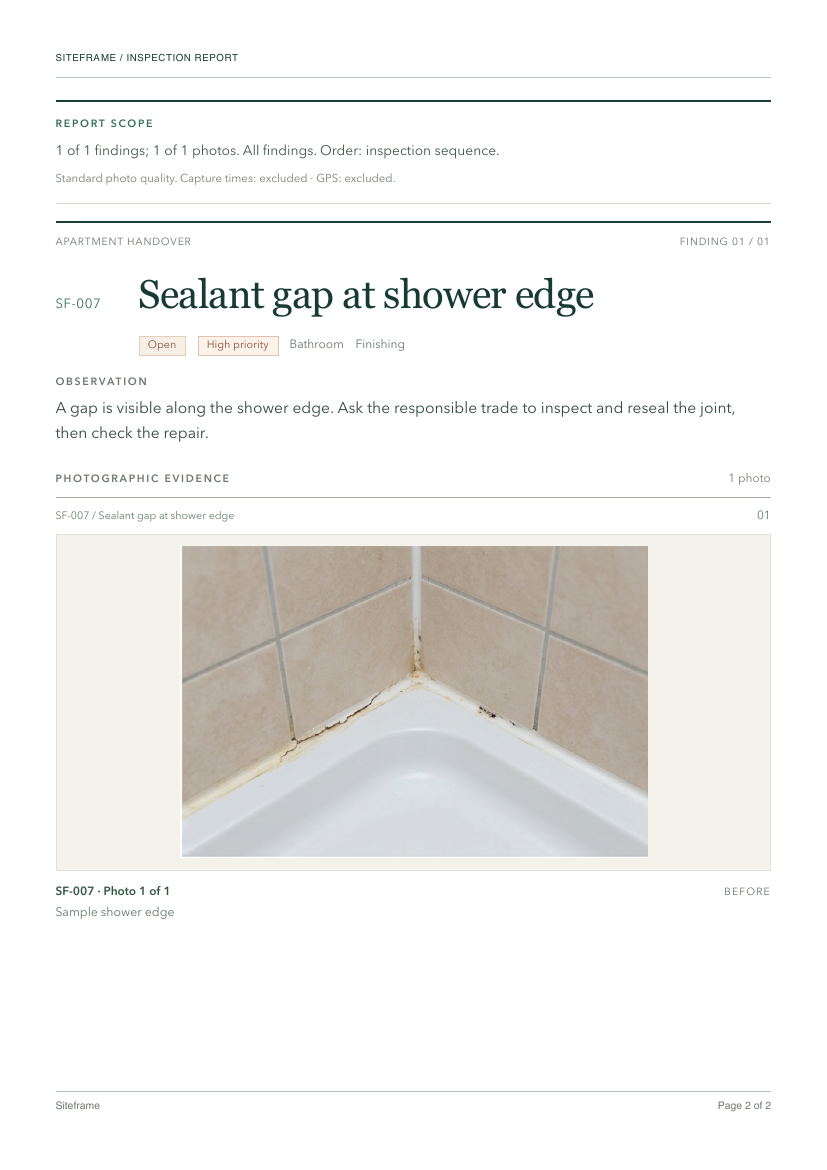
Read the Siteframe privacy policySiteframe is in development for iPhone and iPad. There is no public App Store download yet. The images on this page show a development build and a generated report using bundled example data.
The free allowance is three new inspections on an installation. An inspection counts when it is first saved. Drafts and sample content do not count. Existing inspection editing, photos, markup, PDF and CSV exports, full editable backup and restore remain free after the creation allowance is used.
Pro permits additional new inspections through a single non-consumable App Store purchase. It is not a subscription. No launch price is announced here; the App Store will show the applicable local price before confirmation. Deleting or archiving inspections does not replenish the free allowance.
Inspection records and the app-imported copies of your photos are stored in the app’s database and files on your device. No Siteframe account, content-upload server or automatic cross-device sync is required. Apple and RevenueCat handle Pro purchase validation separately.
Export a full editable backup to a location you control, then restore that archive in Siteframe. A PDF or CSV is a report, not an editable workspace backup. Backups do not transfer Pro or replenish an installation’s creation allowance. Restore Purchases restores the Pro unlock, not inspection files.
No. Siteframe organizes the observations and evidence you record. It does not inspect property, diagnose defects, certify safety or guarantee compliance. Review the accuracy and completeness of your reports and use appropriate professional judgment.
Siteframe is coming soon for iPhone and iPad.